AI & automation2026UA
AXION
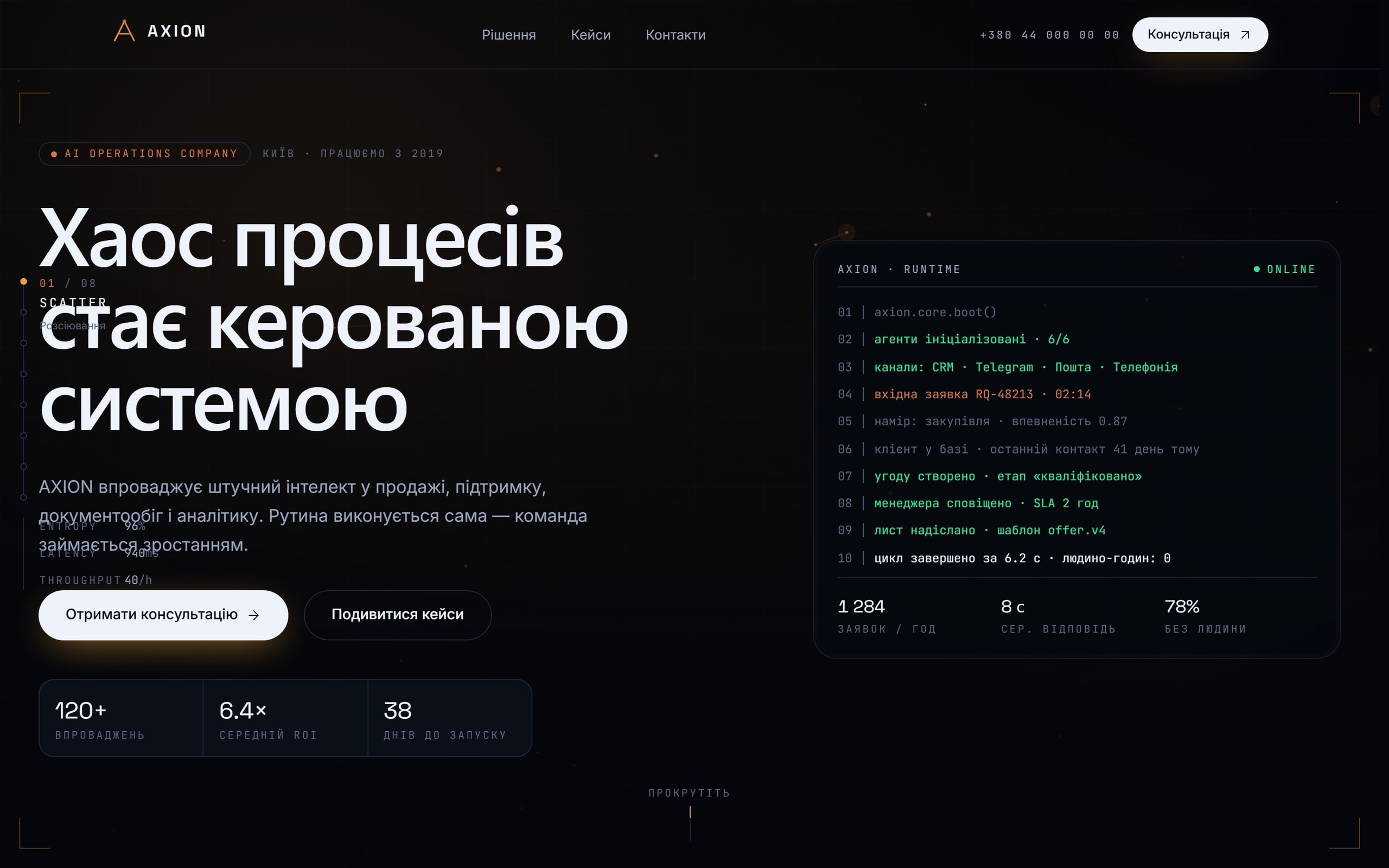
AI systems for sales, support, document handling, CRM and analytics — sold as engineering rather than as a demo.
- Website
- AI
- Automation
- Lead capture
- Industry
- AI & automation
- Engagement
- 6 weeks
- Team
- 1 designer · 1 engineer
- Platforms
- Marketing site · Interactive workflow explainers
01
Challenge
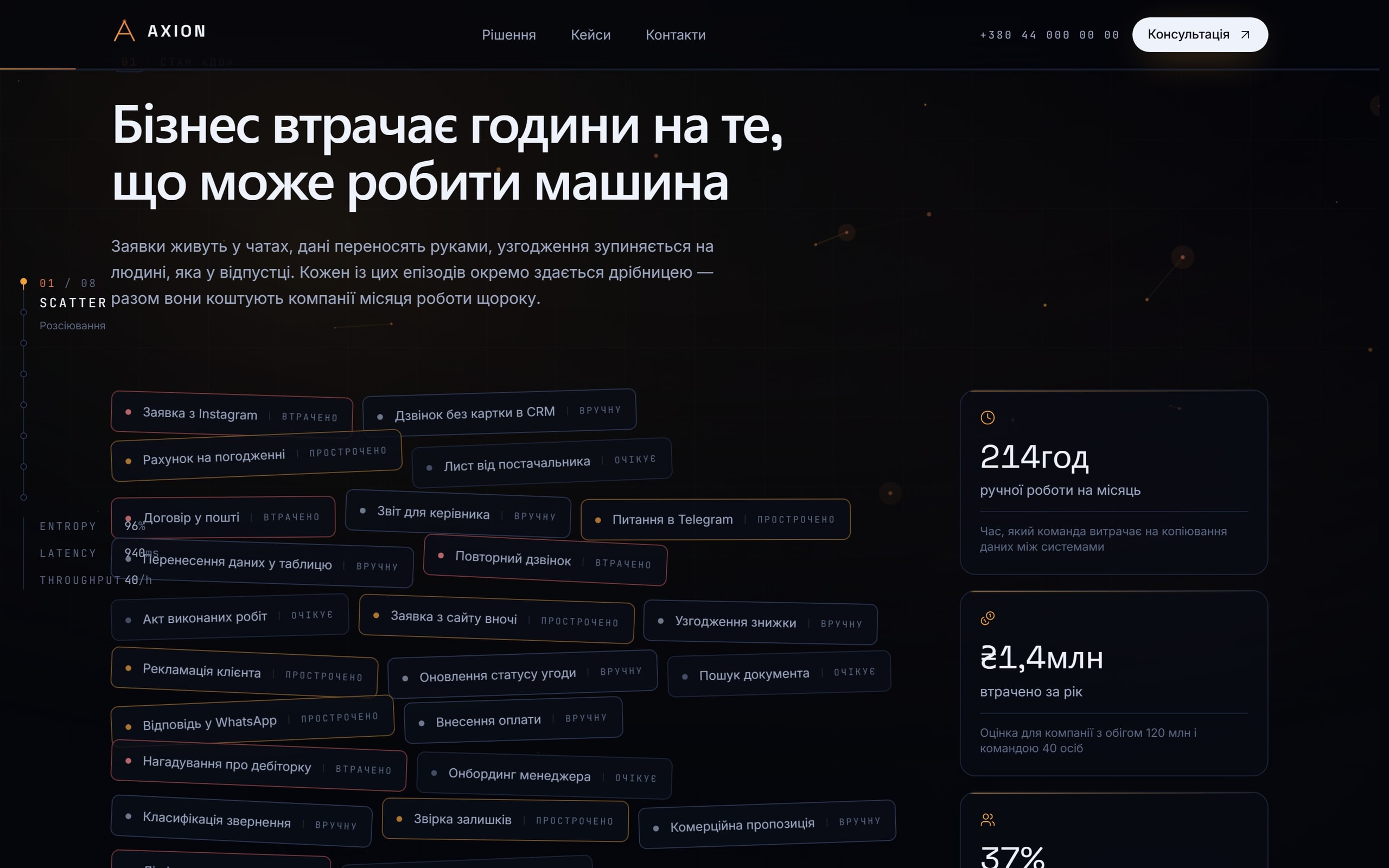
Every company in this category says the same sentence about turning chaos into a managed system. The word "AI" has been devalued to the point where using it prominently now costs credibility with the exact technical buyer AXION needs.
The site had to show specific mechanics — what gets automated, where the model sits in the process, what happens when it is wrong — without becoming documentation.
- Domains
- Sales · support · documents · CRM · analytics
- Buyer
- Technical, sceptical, has seen the demos
- Requirement
- Mechanics over adjectives
02
Solution
Each capability is presented as a workflow you can step through: the trigger, the classification, the retrieval, the decision point where a human is involved, and the system the result is written to.
The failure path is shown deliberately — what happens when confidence is low — because that is the question a serious buyer asks, and answering it first is the strongest possible signal.
- Format
- Step-through workflows per capability
- Emphasis
- The failure path is shown, not hidden
03
Architecture
- L0SiteStatic
- L1Workflow componentsStep-through
- L2Capability modelDataLead captureServer action
- L3TelegramExternalCRMExternal
Connections (6)
- Site → Workflow components
- Site → Capability model
- Workflow components → Capability model
- Site → Lead capture
- Lead capture → Telegram
- Lead capture → CRM
04
UX
The visitor picks the process they recognise — inbound leads, support volume, document handling — and the site explains automation in the vocabulary of that process rather than in the vocabulary of AI.
Every workflow can be read as static text; the interaction adds pacing, not information, so nothing is lost without JavaScript.
05
UI
Technical and dark, with monospace labelling for anything that represents a system boundary or a state.
Flow diagrams are typeset rather than illustrated — nodes are text, edges are rules, which reads as engineering rather than as marketing.
06
Development
The workflow components share one data-driven renderer, so a new capability is a data entry rather than a new component.
Motion is scroll-linked and fully disabled under reduced-motion, where the flows render as ordinary ordered lists.
07
What it does
Capability workflows
Step-through explainers for sales, support, documents, CRM and analytics.
Failure paths
What happens on low confidence, shown rather than omitted.
Process-first navigation
Entry by the business process, not by the technology.
Instant lead routing
Enquiries to Telegram and the CRM through a server action.
Static fallback
Every flow readable as text without JavaScript.
08
Integrations & stack
Integrations
- Telegram
- CRM
- Analytics
Frontend
- Next.js
- TypeScript
- Tailwind CSS
- Motion
Platform
- Static generation
- Server actions
09
Where it landed
- Mechanism-first
- Pitch
- Failure path shown
- Trust signal
- A data entry
- New capability
- Flows become lists
- Reduced motion
Workflows, not adjectives
A site that survives a sceptical technical read, because it leads with how the system behaves when it is uncertain.



Every build is designed for the phone as its own experience, not as a narrowed desktop layout.
Got a product that should exist by now?Tell us about it.
Describe what has to change in your business. We will work out what that actually takes — including when it takes less than you think.