B2B SaaS2026EN
AERA Systems
An intelligence layer that sits between the tools a company already runs — and a product site that has to explain that in one screen.
- SaaS
- Product UI
- Web App
- Design system

- Industry
- B2B SaaS
- Engagement
- 10 weeks
- Team
- 1 designer · 2 engineers
- Platforms
- Marketing site · Interactive product demo · Command palette
01
Challenge
AERA is not a dashboard and not a replacement for anything — it is a layer between existing systems. That is a genuinely hard thing to explain, and the category is crowded with products that all claim to turn data into decisions.
A conventional SaaS marketing page would have flattened it into the same promises as everyone else. The site had to demonstrate the product's behaviour, not describe it.
- Category
- Operational intelligence
- Core difficulty
- The product is a layer, not a screen
- Requirement
- Show the mechanism, not the claim
02
Solution
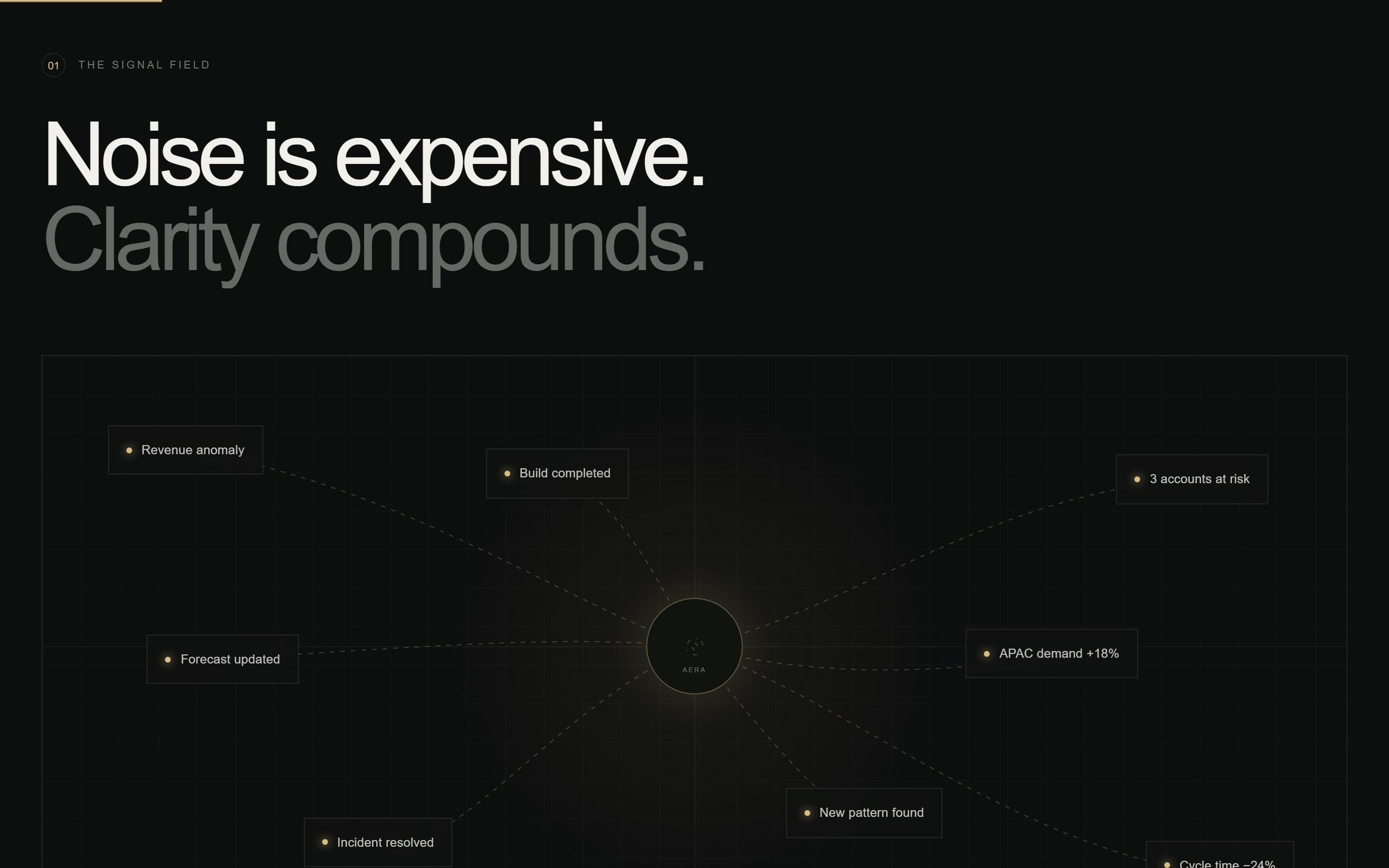
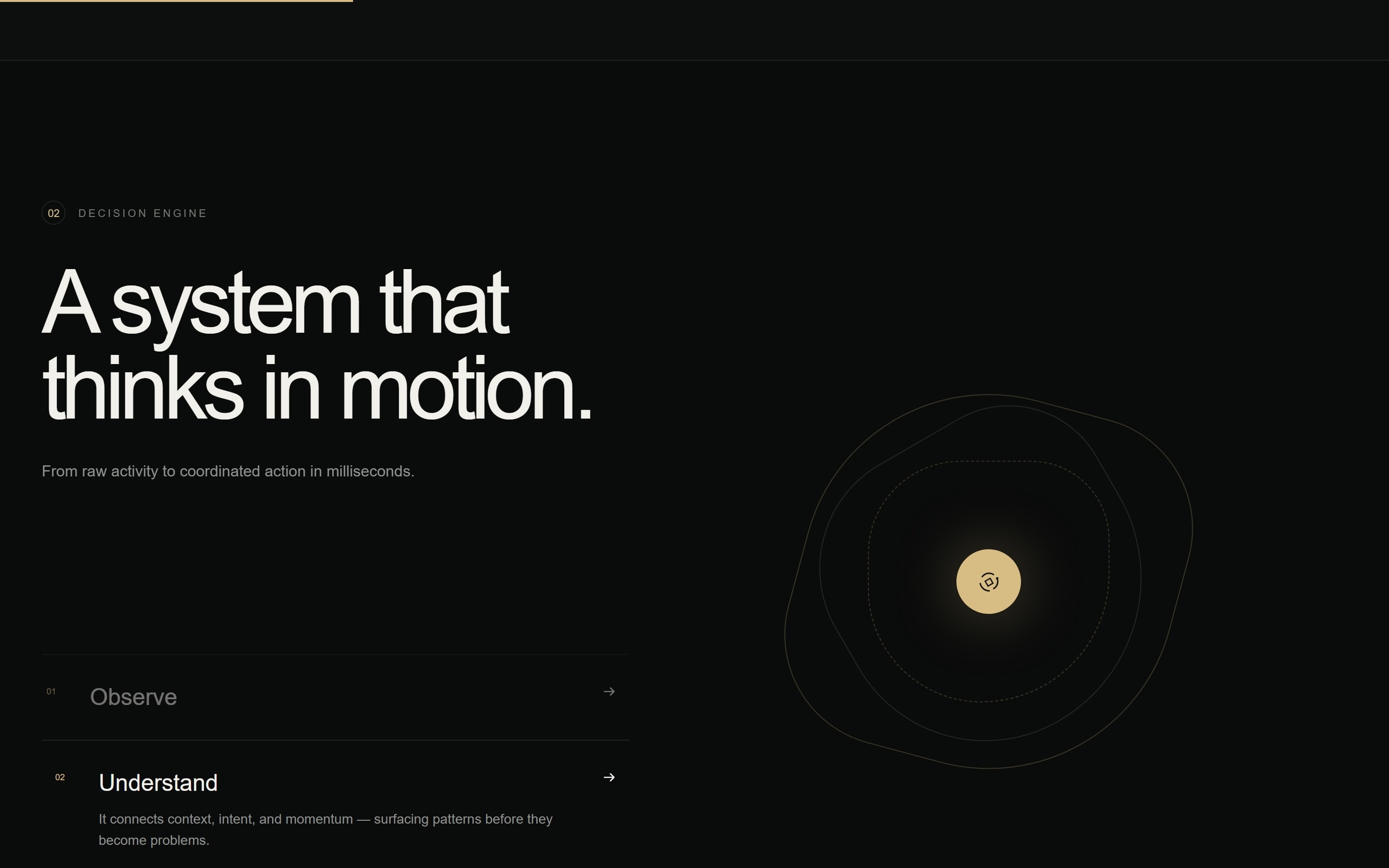
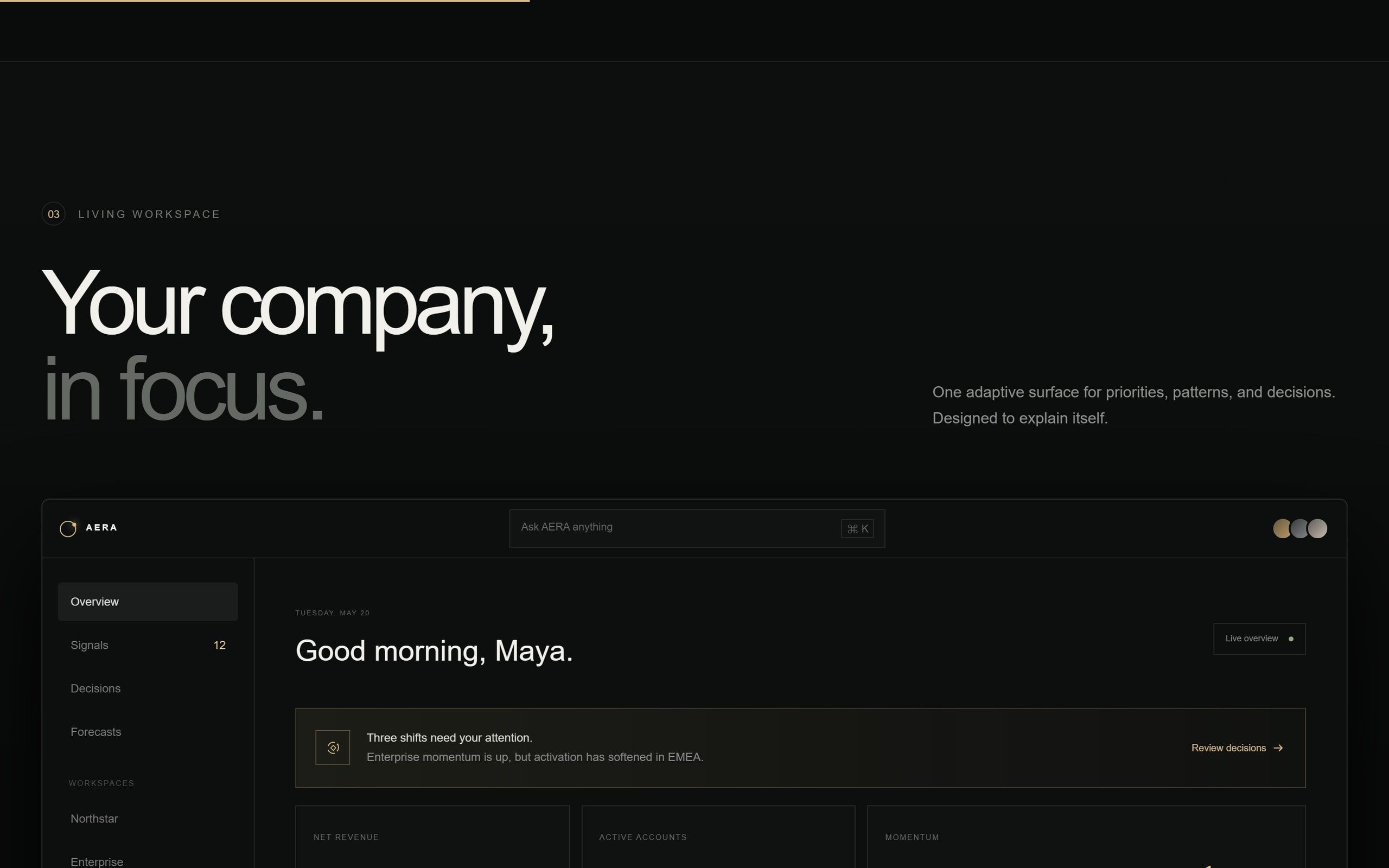
We built the page as a sequence that walks the product's own pipeline: the signal field where data arrives, the decision engine that resolves it, the living workspace where a person acts, and the timeline that records what happened.
Each stage is an interactive component rather than an illustration, so a visitor reads the argument by using a small version of the product.
A K command palette runs across the whole site — the same interaction pattern the product uses, which makes the interface itself part of the pitch.
- Narrative
- Six stages mirroring the product pipeline
- Interaction
- K palette shared with the product
- Rendering
- Server components with client islands
03
Architecture
- L0Next.js App RouterRSC shell
- L1Client islandsPer-sectionCommand paletteK, site-wide
- L2Motion layerScroll-linkedContent modelTyped objects
- L3Access requestServer actionAnalyticsExternal
Connections (6)
- Next.js App Router → Client islands · hydrate on view
- Next.js App Router → Command palette
- Client islands → Motion layer
- Next.js App Router → Content model
- Command palette → Access request
- Client islands → Analytics
04
UX
The page answers the three questions a technical buyer asks in order: what does it sit on top of, what does it actually do to a signal, and what changes in my day.
Every interactive section is usable with a keyboard and degrades to a static, readable state — the argument survives without JavaScript, which also means it survives for a crawler.
- Reading order
- Where it sits → what it does → what changes
- Fallback
- Every interactive block has a static state
05
UI
Instrument-panel restraint: near-monochrome surfaces, one signal colour, monospace for anything that represents a measurement.
Numbers are typeset as data, not as decoration — figures share a tabular alignment across the page so they read as a system.
06
Development
Next.js App Router with server components by default; interactive sections are isolated client islands loaded when they enter the viewport, which keeps the initial payload small despite the density of the page.
Scroll-linked motion is driven by a single shared observer rather than per-component listeners, and the whole choreography collapses to instant state changes under prefers-reduced-motion.
07
What it does
Signal field
Interactive visual of data arriving from across a company's stack.
Decision engine
Step-through of how a raw signal becomes a recommended action.
Living workspace
A working miniature of the product's adaptive dashboard.
Operational timeline
Decision history rendered as a scrubable sequence.
Command palette
Site-wide K navigation using the product's own interaction model.
Access request
Short qualified form wired to a server action.
08
Integrations & stack
Integrations
- Analytics
- Access-request pipeline
- Email notifications
Frontend
- Next.js
- React
- TypeScript
- Tailwind CSS
- Motion
Platform
- Server actions
- Edge rendering
- Vercel
09
Where it landed
- Six interactive stages
- Product story
- K
- Interaction parity
- Islands only
- Payload
- Fully static
- Fallback
Mechanism shown, not claimed
Site uses the product's own pattern
Interactive code loads on view
Readable without JavaScript
A product site that argues by demonstration. The interface is the evidence for the claim the copy makes.
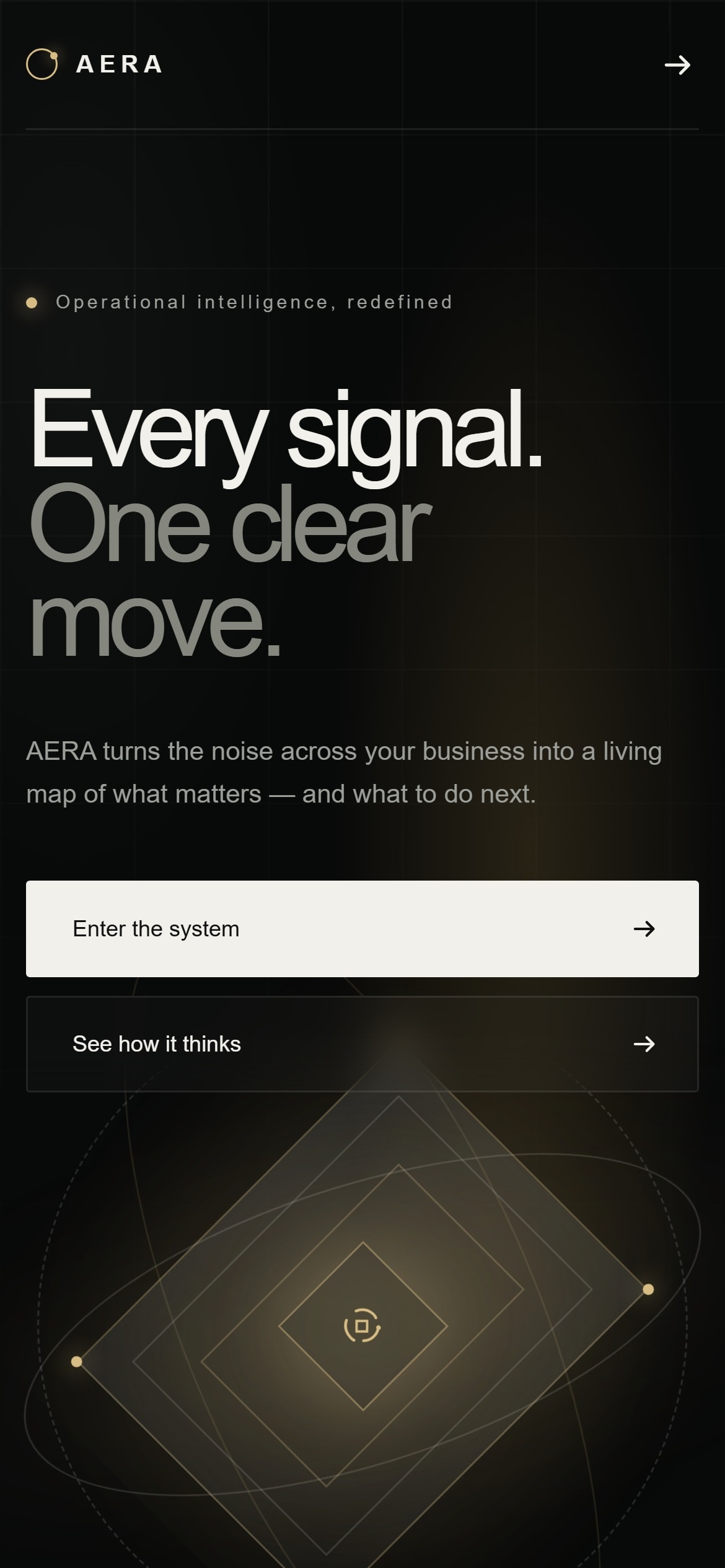
Every build is designed for the phone as its own experience, not as a narrowed desktop layout.
Got a product that should exist by now?Tell us about it.
Describe what has to change in your business. We will work out what that actually takes — including when it takes less than you think.